
Black and white photography achieves a timeless, moody feeling to a picture with just the absence of color. Using the fundamentals of photography, you can create these striking photos, but there are additional techniques outlined in the steps below that can be used to create greater effects.
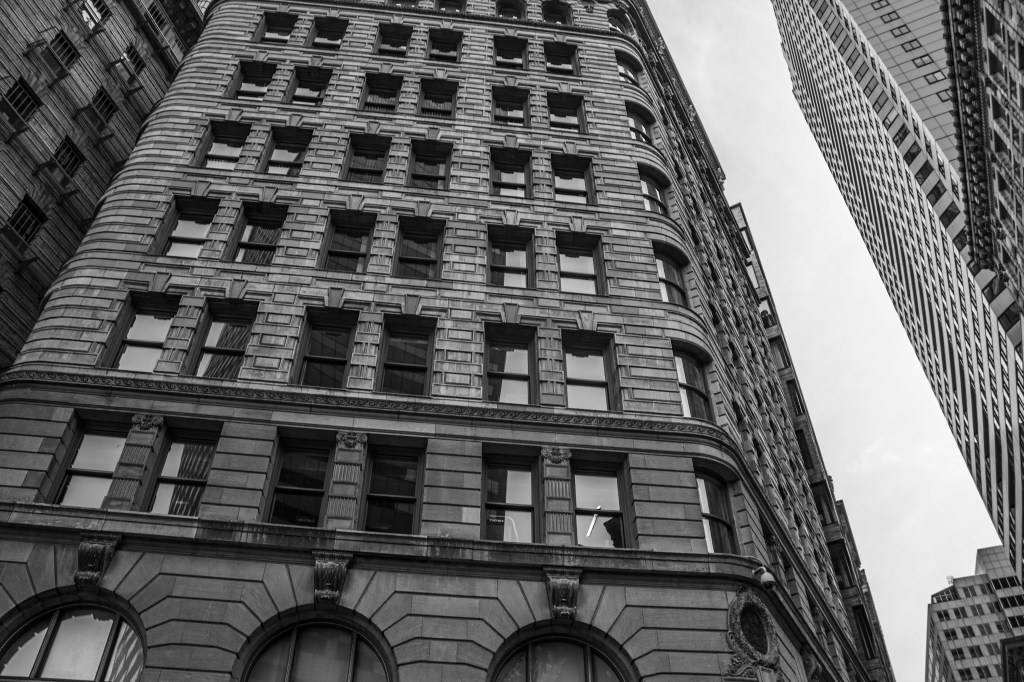
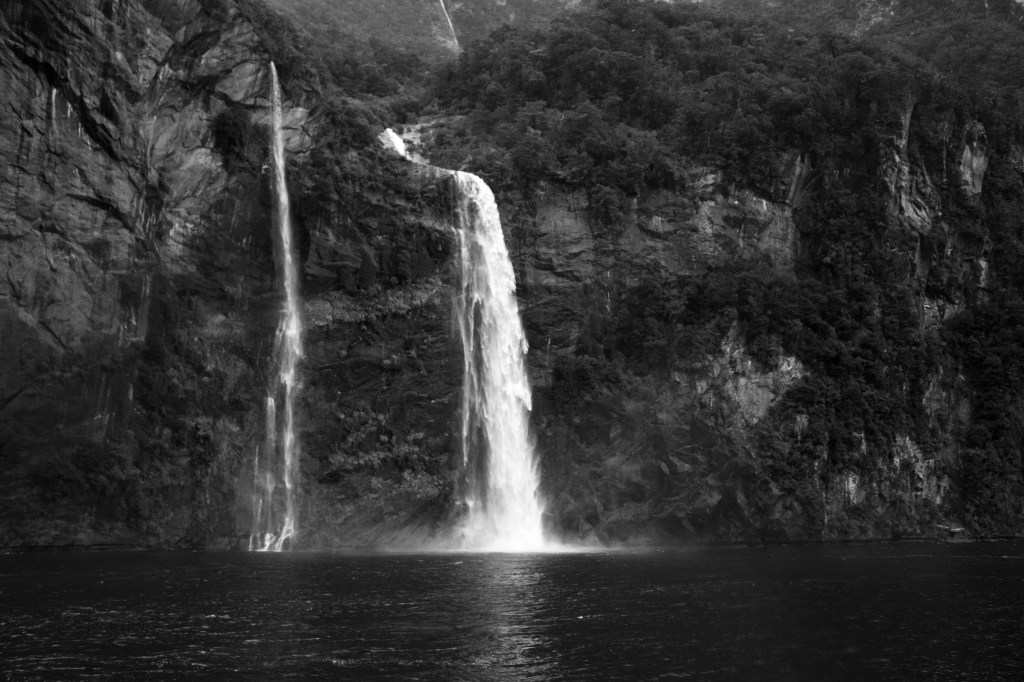

Using the Basics
Without color, black and white photography rivets a viewer’s focus on to the main subject, the textures or patterns, and the composition of the photo. So it’s all the more important to use the fundamentals of photography, like the rule of thirds, that you’d still use in color photography.
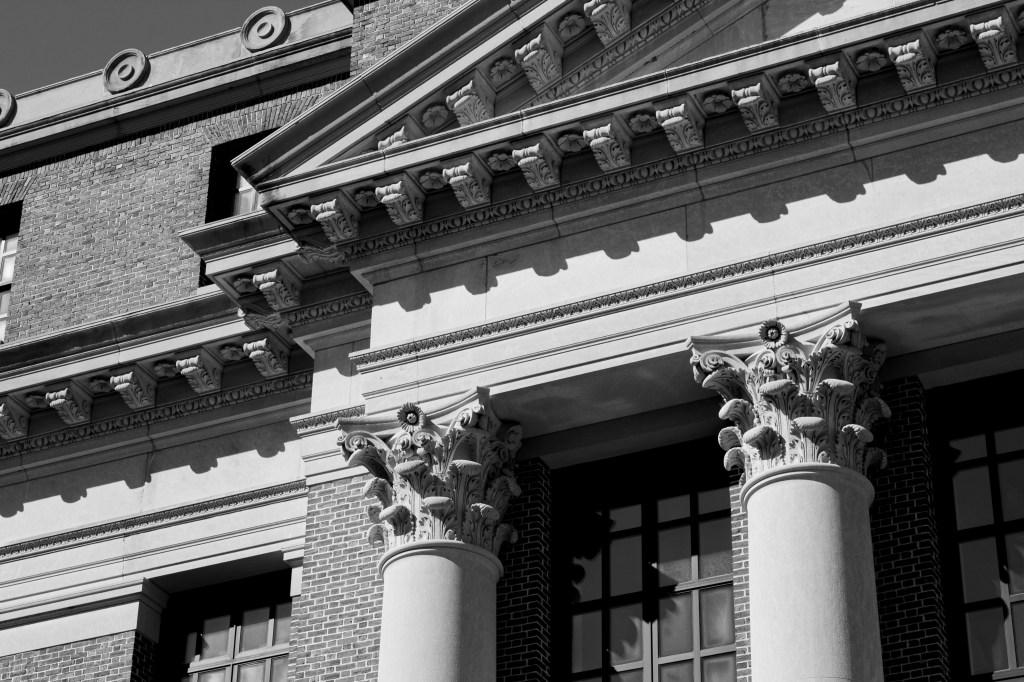
When looking for black and white photography, it’s best to look for contrast, the difference between light and dark tones. As a photographer, you should be looking for differences in light, lines, and patterns, but this is especially important for black and white photography.
Shoot in Color, Switch to Black and White
My favorite way to do black and white photography is to first shoot in color, then later edit the photo to black and white. This can easily be done if you shoot in RAW mode, and can be with the click of the ‘Black and White’ button in Photoshop Camera RAW. By shooting in color first, you have the option to use both the color and the black and white, because they may be striking in both formats.

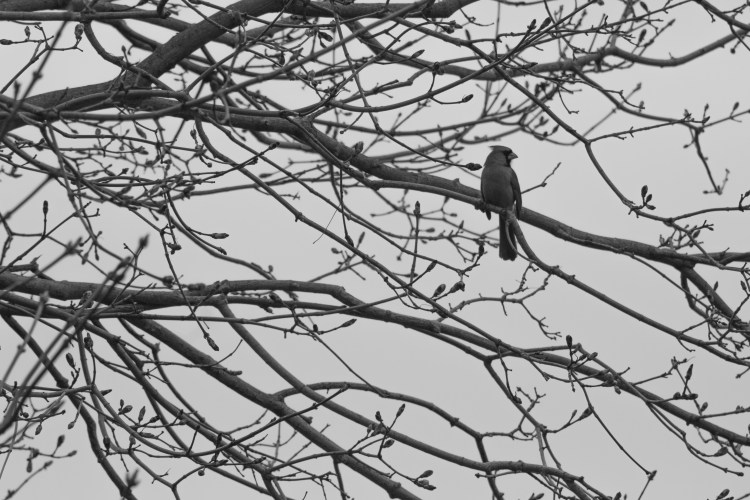
Editing Your Images
Yes, most editing softwares have a button to convert color images to black and white, but you’re not done there. Even if you shoot in black and white, there are a few editing tips you can do to increase your photo’s look.

- Increase the contrast, reduce the brightness
- Increase the contrast, reduce the shadows
- Add some grain to achieve a ‘film look’
- Change specific color’s saturation
- Increase the whites and shadows for a harsher effect
 Hannah Matt
One thought on “Black and White Photography”