
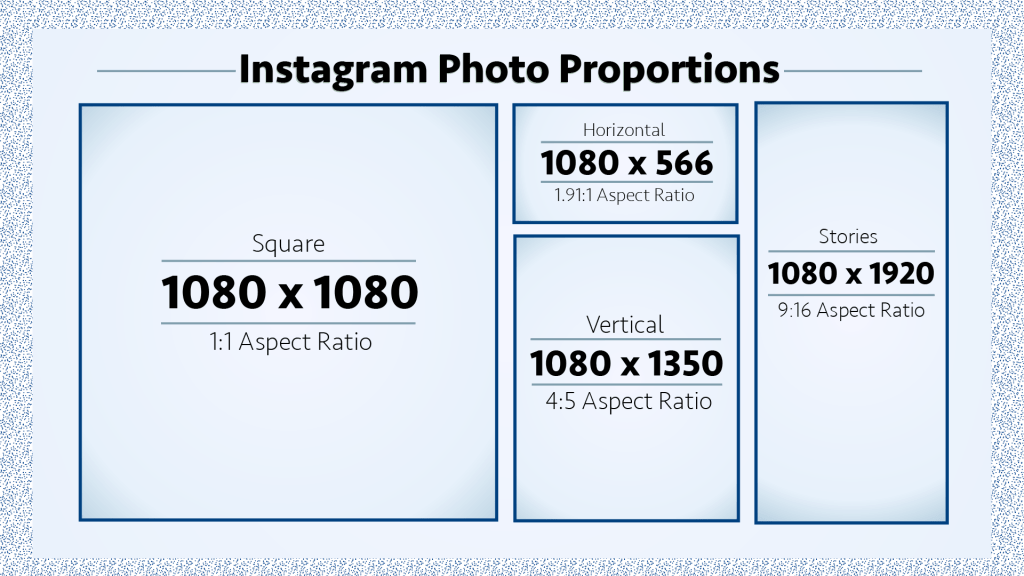
Instagram allows you to post in a number of different proportions, or aspect ratios. Check the infographic above to see the different ways your photo could be cropped to appear on the home feed.
Changing your photo size on Instagram can increase your engagement by over 67%, says WorkMacro. The study they did was on horizontal versus square videos, but the same applies to your photos with different aspect ratios.
Notice how the mountain photo (which is using a 4:5 ratio) takes up more space on a phone screen. By using a 4:5 ratio instead of the standard 1:1, this will help increase your engagement because a user’s eye will be drawn to it. Videos are given the widest ratio at 1.91:1, and take up the least amount of space.
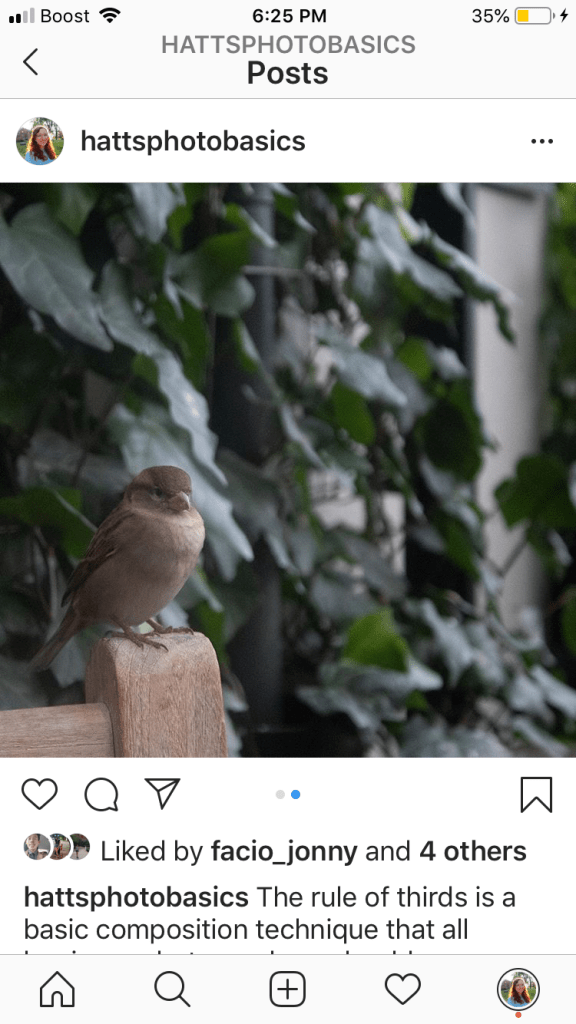
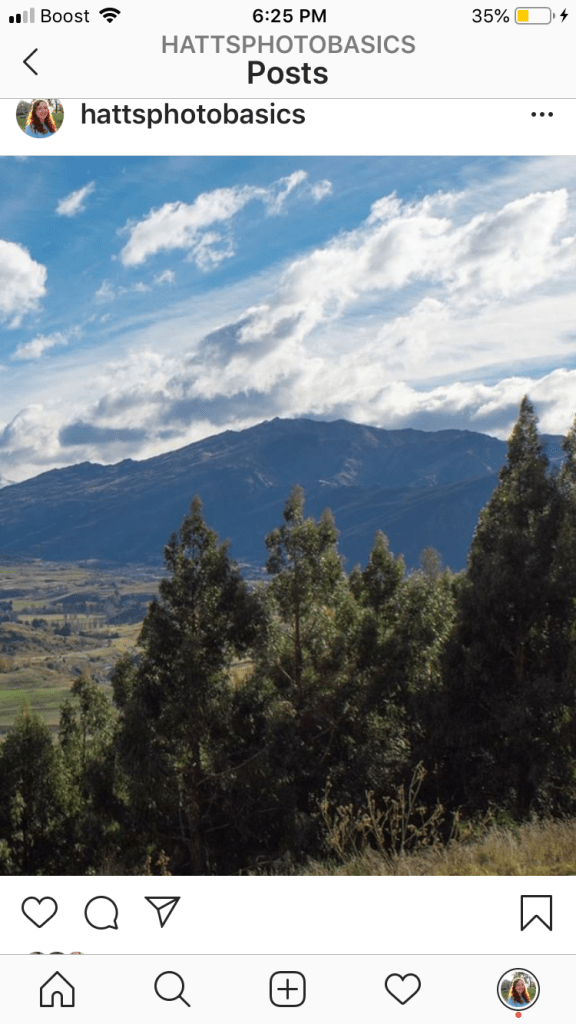
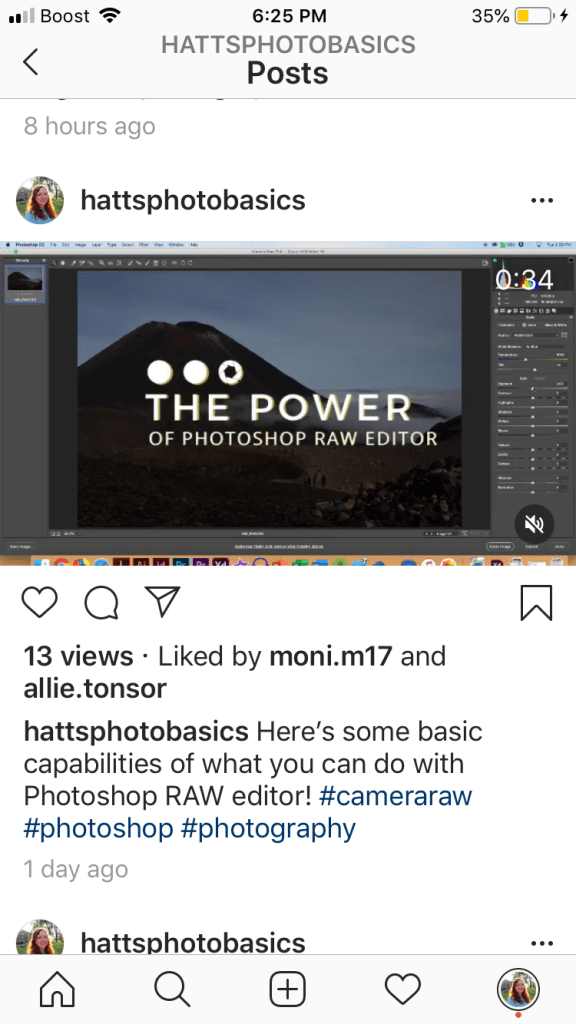
Instagram ratios:
- Widest Ratio: 1.91:1 (1080 x 566px)
- Tallest Ratio: 4:5 (1080 x 1350px)
- Square Ratio: 1:1 (1080 x 1080px)
- Story Ratio: 9:16 (1080 x 1920px)
Most cameras take photos in a 6000 x 4000px, so Instagram will crop it immediately to the 1:1 square block. To get the most engagement, you’ll need to crop your image to a vertical ratio of 4:5. You can do this in two ways:

Photoshop/Lightroom
If you’re already editing your photo, cropping to a ratio is made easy with Photoshop and Lightroom. In Lightroom, simply go to the Crop Tool and size your image however you want. For Photoshop, I like to create a new document with the 1080 x 1350px dimensions, and then place the image in the canvas so I have more room to edit and move it if I’d like.
iPhone Photos
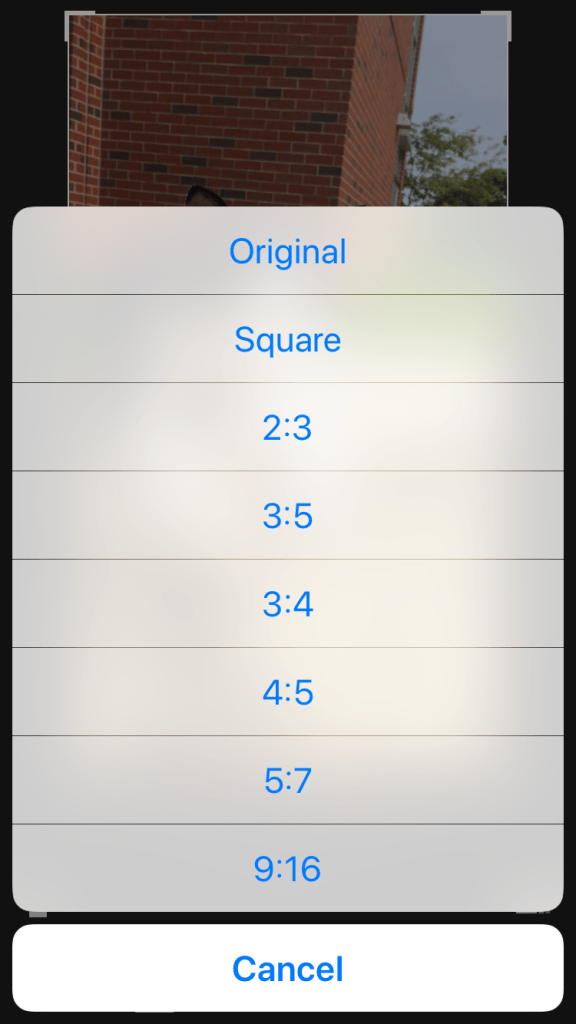
Simply go to your Photos and click on Edit>Crop>Sizing. Sizing button appears as three little squares in the bottom right corner of your screen. A pop-up menu of choices will let you choose which ratio you’d like to use. Click on the 4:5 and then press Done when you’re happy with your image. Choosing the 9:16 ratio for an Instagram Story is also an option too.
Note: iPhones take pictures at a 4:3 ratio and Instagram will post it as a square 1:1 ratio.
 Hannah Matt